Affiliate disclosure: This post contains an affiliate link. If you sign up for WordPress through my link, I may earn a commission. That doesn’t change the price you pay, and I wouldn’t recommend something simply because there’s an affiliate opportunity attached to it. I’m sharing WordPress because I actually use it for my own blogging work and have found it useful for what I’m trying to build.
Fall is here.
And while everybody else is starting to think about Halloween, Thanksgiving, Black Friday, Christmas, and all the other holiday chaos that’s coming in the next few months, I’ve got another thought:
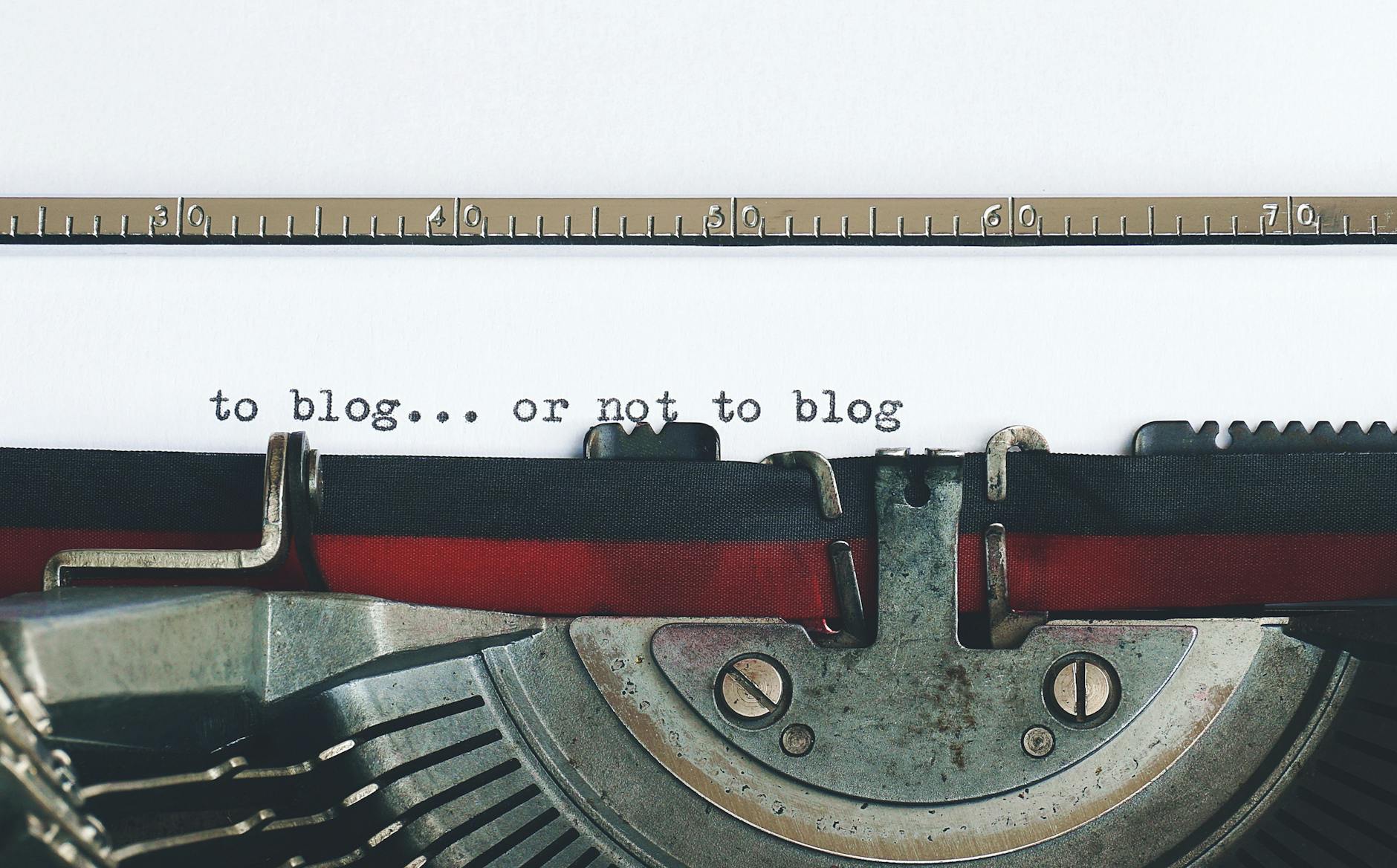
If you’ve been thinking about starting a blog, why the hell are you waiting until January?
Seriously.
I know January is the traditional “new year, new me” season.
People make resolutions.
People start businesses.
People start diets.
People buy planners they’ll abandon by February.
People announce that this is finally going to be the year they accomplish everything they’ve been putting off.
But if you’ve been thinking about starting a blog, building a website, launching a creative project, or turning your writing into something more serious, fall is actually a pretty damn good time to start.
You have a few months before the next big wave of holiday content.
You have time to experiment.
You have time to figure out what the hell you’re doing.
And you have time to build something before January arrives.
For me, a huge part of that process has been WordPress.
And after using it for years—and eventually upgrading my main blog to the WordPress Business Plan—I’ve developed a pretty strong appreciation for what the platform lets me do.
So let’s talk about it.
Blogging Isn’t Just About Writing
This is something I didn’t fully understand when I first started blogging.
I thought blogging was basically:
Write thing → publish thing → people read thing.
Simple.
Except…
No.
Not really.
There’s the writing.
Then there’s the design.
Then SEO.
Then images.
Then navigation.
Then categories.
Then tags.
Then analytics.
Then social sharing.
Then monetization.
Then email.
Then plugins.
Then customization.
Then trying to figure out why some random thing on your website suddenly stopped working.
And eventually you realize that a blog isn’t merely a collection of words.
It’s a website.
And once I started treating my blog like an actual creative project rather than just somewhere to dump my thoughts onto the internet, the way I approached it changed.
That’s one reason WordPress became so important to me.
WordPress Lets Me Make the Blog Feel Like Mine
One of my favorite things about WordPress is customization.
I don’t want my blog to look exactly like everybody else’s blog.
I want it to feel like my website.
My writing.
My weird little corner of the internet.
My branding.
My visual choices.
My structure.
My personality.
With the WordPress Business Plan, I’ve been able to take that customization considerably further than I could with a basic blogging setup.
Themes give you a foundation, but you can customize the experience around that foundation.
You can experiment with layouts.
You can change how your content is presented.
You can build pages around your specific needs.
You can create something that feels less like “I made a blog” and more like:
“I built a website.”
And that distinction matters to me.
Because at this point, I’m not treating my blog as some random hobby I occasionally remember exists.
It’s part of my broader creative work.
Plugins Changed How I Think About Blogging
Before I really got into WordPress, I didn’t completely understand the power of plugins.
Now?
Plugins are one of those things where I occasionally think:
How the fuck did people do all this manually?
Plugins can add functionality without you having to build everything from scratch.
SEO tools.
Contact forms.
Analytics.
Social sharing.
Galleries.
Security features.
Performance tools.
Various integrations.
And a whole lot of other things.
The exact plugins you’ll want obviously depend on what you’re building.
A photographer is going to have different needs from a novelist.
A business website is going to have different needs from a personal blog.
A news site is going to have different needs from somebody writing poetry at two in the morning.
That’s part of what makes the ecosystem useful.
You can build around what you need.
And That’s Really the Point
I think one of the biggest advantages of a platform like WordPress is that you’re not necessarily forced into one specific definition of what a website should be.
You can start as a simple blog.
Then maybe you add an About page.
Then a contact page.
Then a newsletter.
Then an archive.
Then a shop.
Then monetization.
Then additional functionality.
Then suddenly you look at your website five years later and think:
Holy shit. I built a whole thing.
That’s essentially what happened to me.
My main blog has grown substantially over the years.
What started as a place for me to publish my writing eventually became part of a much larger creative ecosystem.
And that growth didn’t happen overnight.
It happened because I kept experimenting.
Why Fall Is Actually a Good Time to Start
This is where the timing comes in.
We’re heading toward the holidays.
That means people are going to be online.
They’re going to be searching for things.
They’re going to be reading.
They’re going to be looking for gift ideas.
They’re going to be researching.
They’re going to be making plans for the new year.
And if you’ve been thinking about starting a blog, this is actually a good period to start building your foundation.
Not necessarily because you need to immediately make money.
You don’t.
In fact, please don’t go into blogging expecting to become rich overnight.
That’s not how this works.
But you can start building.
Write some posts.
Figure out your voice.
Experiment with your design.
Learn SEO.
Understand your analytics.
Build an archive.
Start developing an audience.
And by the time January arrives, you aren’t standing at the starting line wondering what to do.
You’ve already been running.
You Don’t Need to Know Everything on Day One
This is another thing I wish more people understood.
You don’t need to be an expert before you start.
When I started blogging, I didn’t know everything I know now.
Obviously.
Nobody does.
You learn.
You screw things up.
You change things.
You realize something you built six months ago was a terrible idea.
You redesign.
You experiment.
You figure out what works.
Then you figure out something else.
That’s part of the process.
And the WordPress ecosystem is huge.
There are tutorials.
Guides.
Documentation.
Forums.
Videos.
Articles.
Entire communities of people trying to solve the same problems you’re trying to solve.
You can learn as you go.
Free Is Fine. But Sometimes You Need More.
I’m not going to pretend everybody needs a Business Plan.
They don’t.
If you just want to occasionally publish some writing online and don’t care about advanced customization or additional functionality, a simpler plan may be completely adequate.
But there comes a point where you may want more control.
For me, that point came when I wanted my main blog to function more like an actual website and less like a basic publishing page.
That’s when the Business Plan became worthwhile for me.
It gave me access to additional customization and functionality that fit what I was trying to build.
And yes, it costs money.
That’s something you should consider before signing up for anything.
But I also think it’s important to recognize that building a website can be an investment.
You don’t have to spend money just because you can.
But if you’re serious about what you’re creating, sometimes investing in the infrastructure behind it makes sense.
Your Blog Can Become More Than a Blog
This is probably the biggest lesson I’ve taken from my own experience.
A blog can start as writing.
But it doesn’t necessarily have to stay there.
It can become:
A portfolio.
A publication.
A business.
A personal brand.
A community.
A place to sell books.
A place to promote music.
A home for a podcast.
A newsletter hub.
A place to experiment with affiliate marketing.
A digital archive of your work.
Or some weird combination of all of those things.
That’s what I love about having my own website.
I’m not limited to one format.
I can write an essay one day.
Publish a poem another day.
Talk about music.
Talk about science.
Talk about books.
Talk about something completely fucking bizarre.
And it’s all part of the same larger ecosystem.
Don’t Wait Until January
This is probably my biggest piece of advice for somebody who’s been thinking about starting.
Don’t wait for the perfect moment.
Don’t wait until January 1.
Don’t wait until you have the perfect logo.
Don’t wait until you’ve written fifty posts.
Don’t wait until you understand SEO perfectly.
Don’t wait until you have a business plan worthy of a Fortune 500 company.
Start.
Then improve.
Your first post probably won’t be your best post.
Your first design probably won’t be your final design.
Your first strategy probably won’t survive six months.
That’s okay.
You’re allowed to evolve.
And Then the Holidays Arrive
This is where the timing gets interesting.
Fall gives you time to build.
Then Thanksgiving arrives.
Then Black Friday.
Then Cyber Monday.
Then Christmas.
Then New Year’s.
And suddenly you’re entering a period when people are thinking about what they’re going to do differently next year.
That’s when somebody might decide:
“You know what? I’m finally starting that blog.”
And if that’s you, I’d argue there’s no reason you couldn’t start before the new year.
Give yourself a head start.
Get the website.
Pick your name.
Start writing.
Experiment.
Learn.
By January, you’ll already have some experience under your belt.
Why I Keep Using WordPress
At the end of the day, this is why WordPress works for me.
It gives me room.
Room to experiment.
Room to grow.
Room to fuck things up and fix them.
Room to turn a basic blog into something much larger.
And most importantly, room to make the website feel like mine.
That’s important when you’re building something creative.
I don’t want somebody else’s idea of what my website should look like.
I want to make those decisions myself.
That’s one of the reasons I continue to use WordPress for my main blog.
Want to Check It Out?
If you’ve been thinking about starting a blog, building a website, or simply seeing what WordPress can do, you can check it out here:
Again, that’s an affiliate link, so if you sign up through it, I may earn a commission.
But the bigger point of this post isn’t “HEY, BUY WORDPRESS.”
It’s this:
If you’ve been thinking about creating something, you don’t necessarily need to wait for January to become the person who creates it.
Fall is already here.
The holidays are coming.
And there’s still time to build something before the calendar flips.
So maybe this is the year you stop saying:
“I’m going to start a blog someday.”
And finally say:
“Fuck it. I’m starting one.”